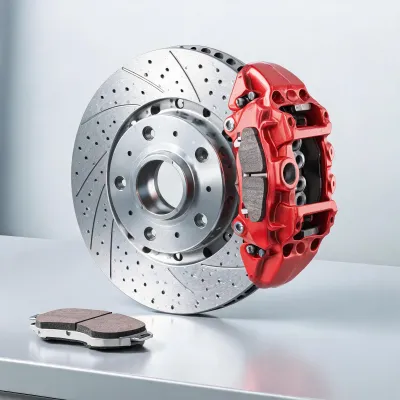
Fitment review available
brake pad
Confirm vehicle coverage, part pairing, and order context before the listing moves from catalog view to purchase approval.
Use the product grid to review available brake categories, open an inquiry, and send vehicle or cross-reference details before a buyer commits to stock movement.
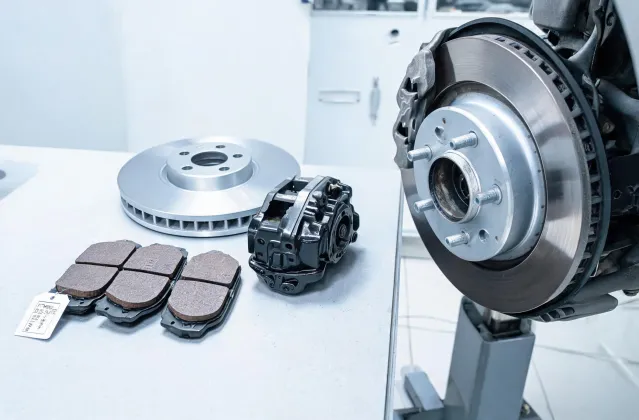
Akebono product listings are intentionally organized around Brake System Components because brake decisions become risky when a catalog tries to appear broader than the support path behind it. A buyer reviewing pads, rotors, calipers, shoes, or related kits should treat the category name as the first filter, not the final answer. The practical next step is to connect that category with the vehicle record, current component clue, and channel context.
For a distributor, the useful question may be whether the selected range fits a stocking plan and whether support notes are clear enough for counter staff. For a workshop, the useful question may be whether the part can be confirmed while the vehicle is still in the bay. For an e-commerce catalog team, the useful question may be how to present compatibility without encouraging a shopper to assume a match that has not been checked. The inquiry button on each card is designed for those follow-up details, and it is intentionally close to the product name so the request begins with the right category attached.
Review the available items in this category, then open the inquiry form with the exact vehicle and part notes your team needs checked.
Confirm vehicle coverage, part pairing, and order context before the listing moves from catalog view to purchase approval.
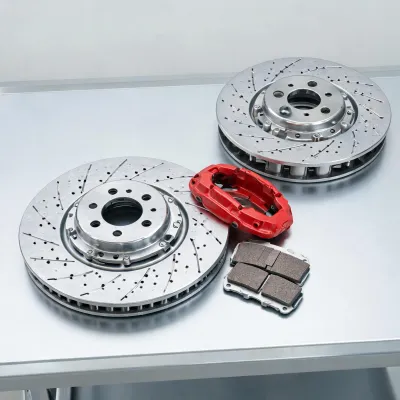
Confirm vehicle coverage, part pairing, and order context before the listing moves from catalog view to purchase approval.
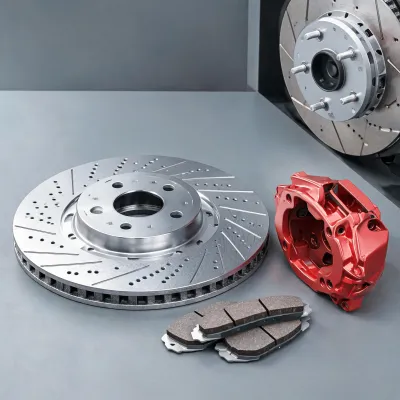
Confirm vehicle coverage, part pairing, and order context before the listing moves from catalog view to purchase approval.
Send your current part number, vehicle platform, and replacement target so the Akebono team can help compare options without hiding the fitment assumptions.